Medication reminders for iPhone and Android
Stay on top of every medication.
Remvio reminds you at the exact times you choose, keeps your history on your phone, and shows what to avoid from the FDA label. No account needed.
Free to download. Free for 1 medication, with every feature.
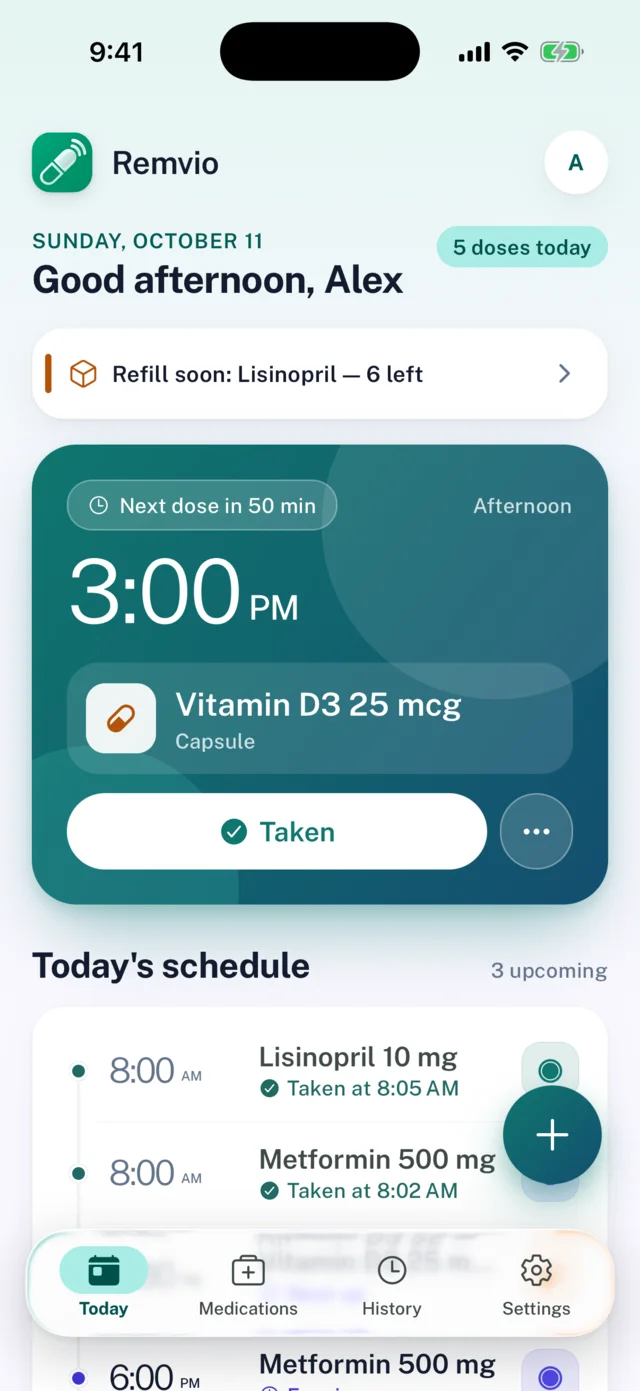
Refill soon
Lisinopril · 6 left
What to avoid
FDA label warnings for each medication.
Remvio Plus
Every medication. One app. No account needed.
Real medication reminders
Alarms that ring even in Silent mode, at the exact times you set.
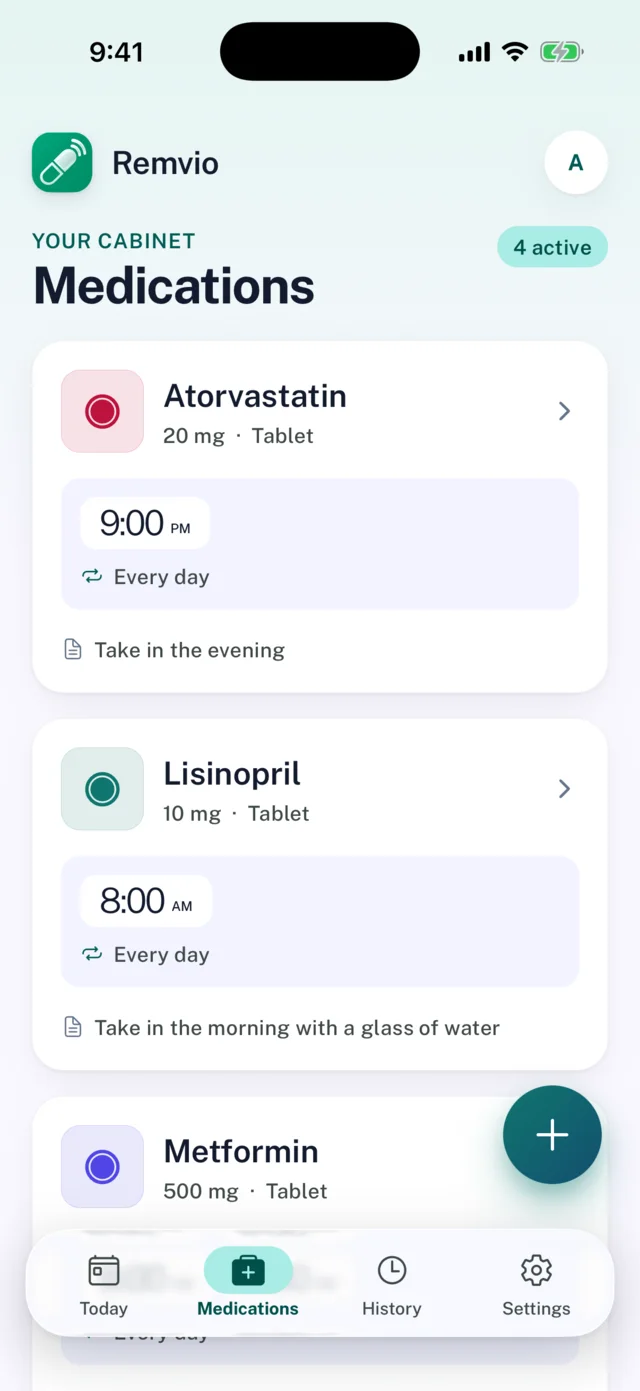
Organize your medications
Every medication in one place, with its strength, schedule and instructions.
Track your history
See what you marked Taken, Skipped or left unanswered, day by day.
Know what to avoid
Warnings from the official U.S. FDA drug label, word for word.
Add medications in seconds
Quick to add. Easy to manage.
Scan your prescription label or type the name, set the times you take it, and you are done. Remvio takes it from there.
See how it works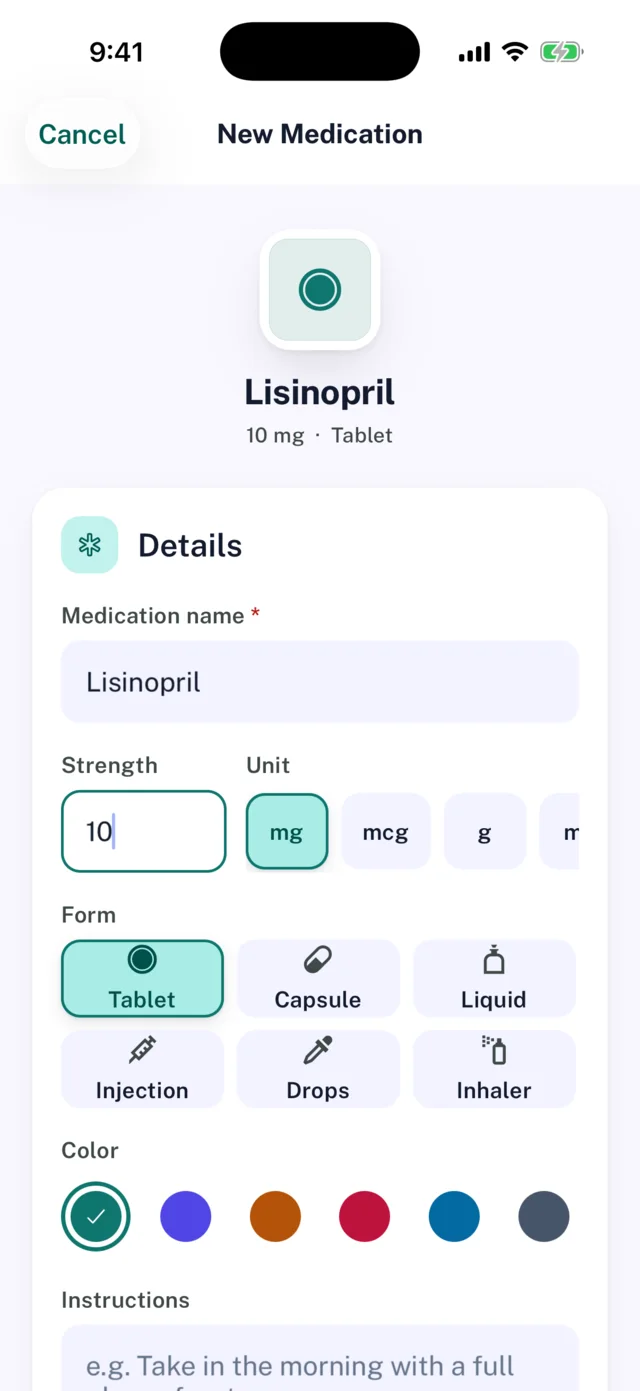
Remvio Plus
Every medication. One app.
Free covers 1 medication with every feature. Plus unlocks the rest.
- Unlimited medications, each with its own alarms
- FDA label warnings for every medication you add
- Refill reminders and history for all of them
- No account needed
- AnnualBest value · 7 days free$14.99 / year
- Monthly7 days free$1.99 / month
- LifetimePay once$29.99 once
The trial and Plus are bought in the app, through the App Store or Google Play. U.S. prices; local prices may differ. The free trial is for new subscribers on monthly and yearly plans. Subscriptions renew automatically until cancelled in your store account settings.
What Remvio does
Simple reminders, honest about what they can do
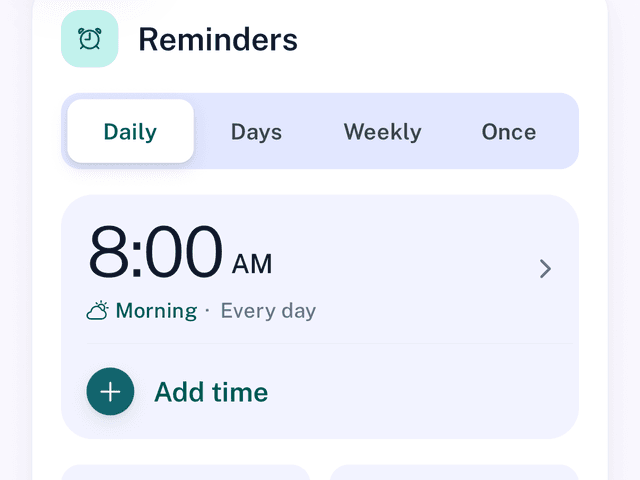
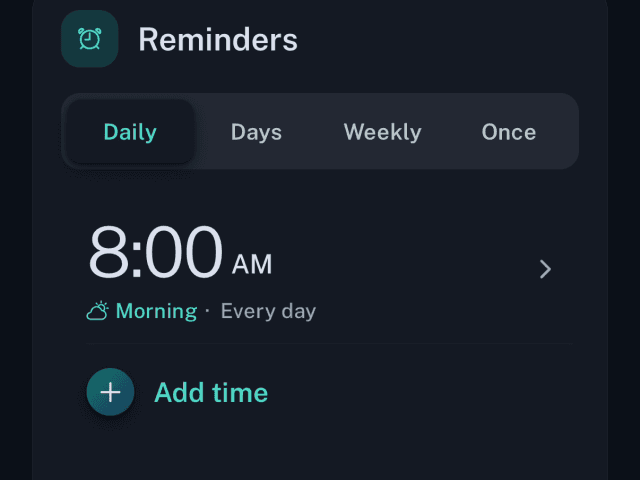
Your medications, your times
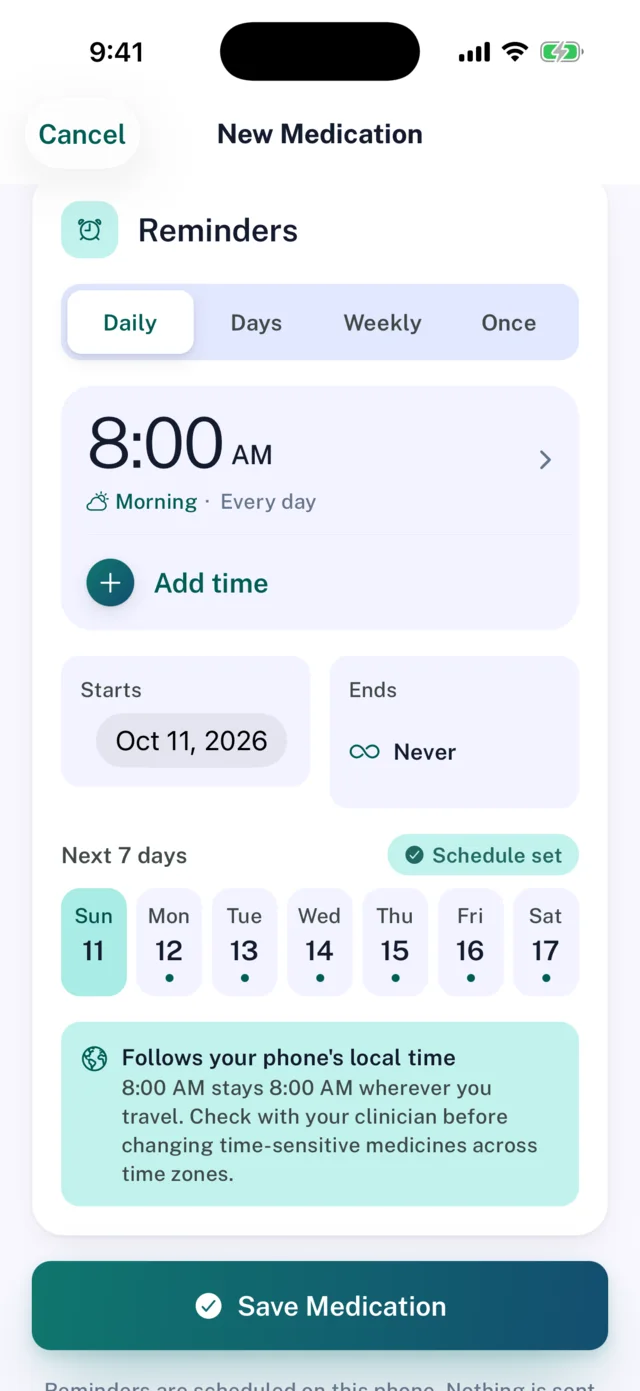
Add each medication with the exact times you take it. Remvio reminds you at those times and never makes up a time you did not enter.
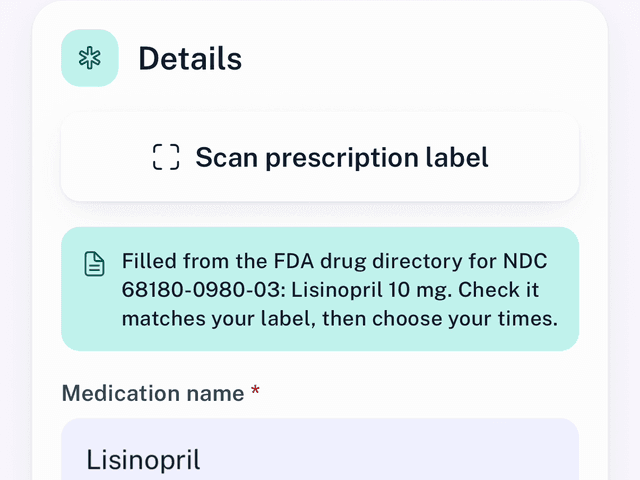
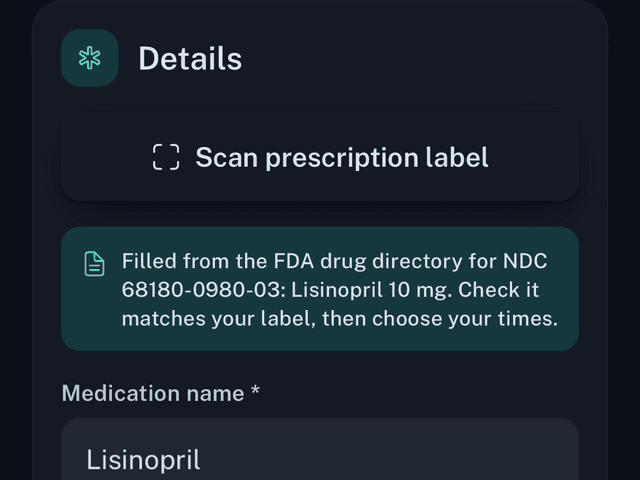
Scan your prescription label
Photograph the label and Remvio fills in the medication name and strength for you to check. The photo is read on your phone and deleted; only the label's NDC code is sent to the FDA's drug directory, if you allow it. You still choose your own times.
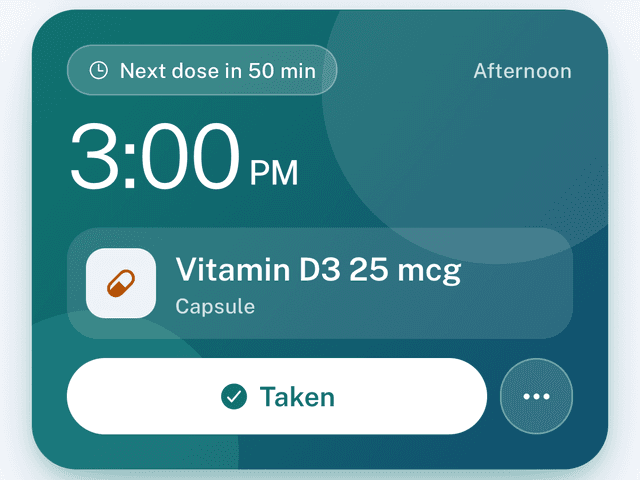
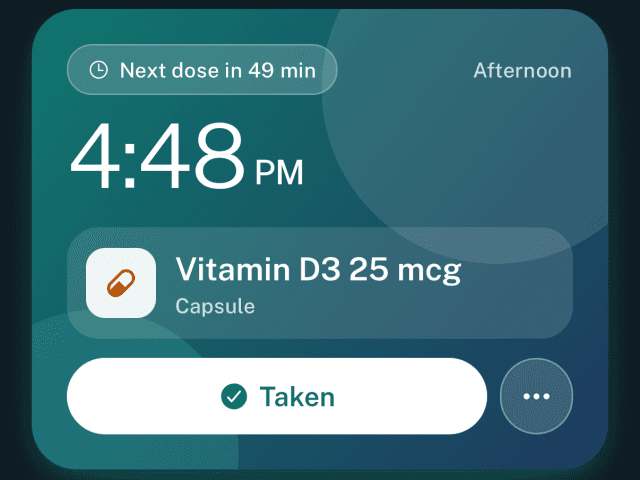
Taken, Snooze or Skip
Reminders ring like an alarm, even in Silent mode. Answer right from the lock screen; Snooze brings it back later and never marks a dose as taken for you.
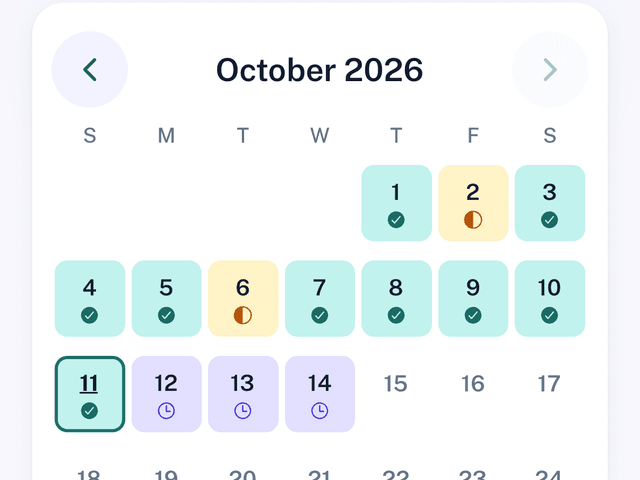
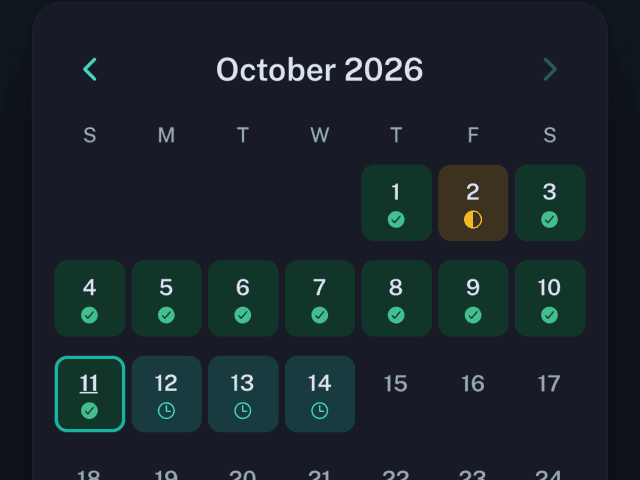
A clear history
See what you marked Taken, Skipped or left unanswered, day by day, and export it as a PDF or CSV to share with your care team.
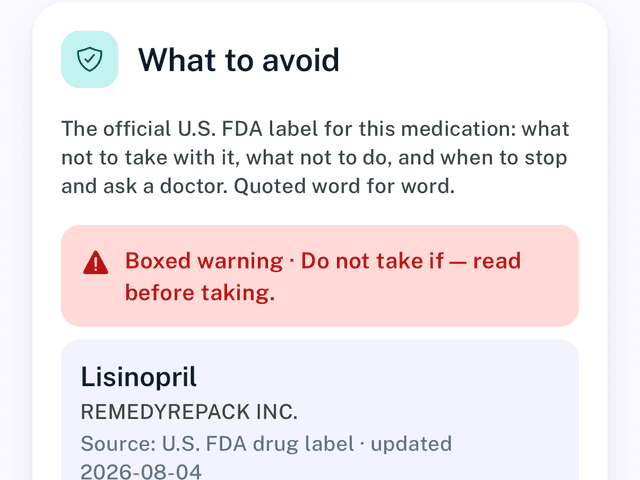
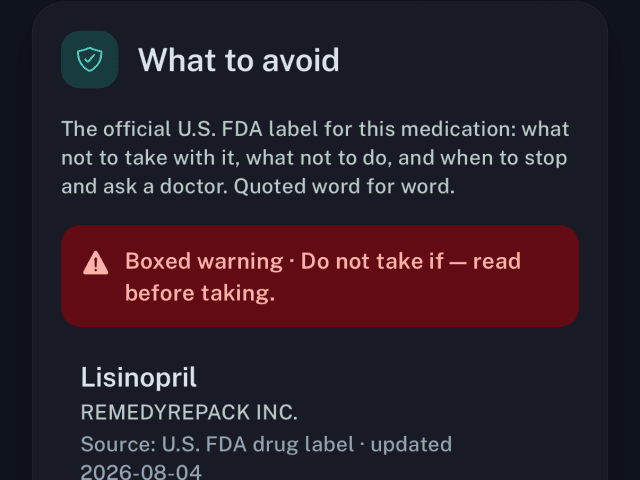
What to avoid, from the FDA label
Optional. Turn it on and Remvio shows the warnings from the official U.S. drug label, word for word, with the source and date. It sends only the medication name.
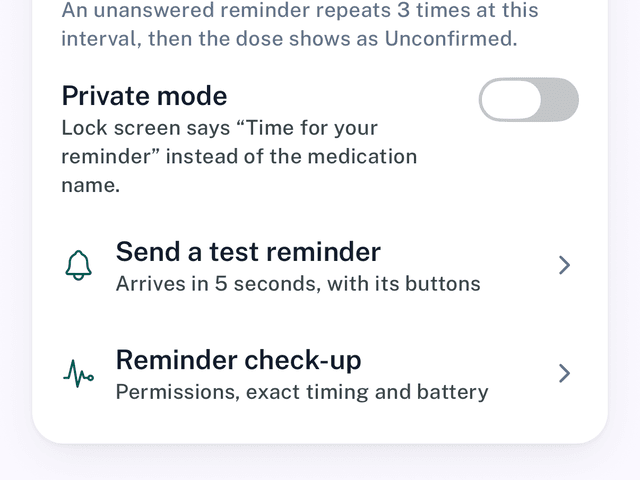
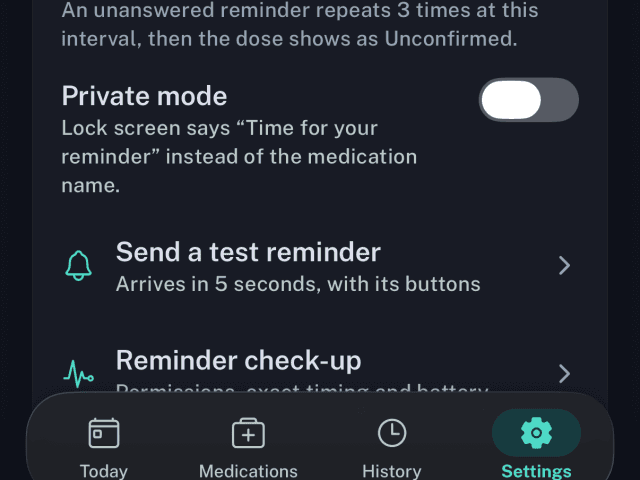
Private by design
Your medications and history are stored on your phone. Remvio works without an account and without an internet connection. Private mode keeps medication names off your lock screen.
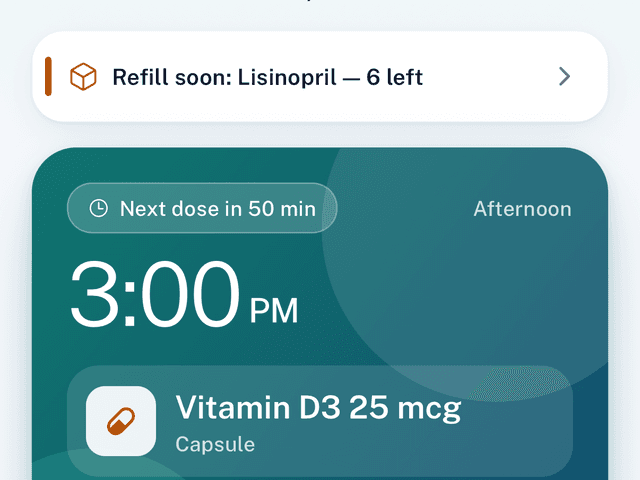
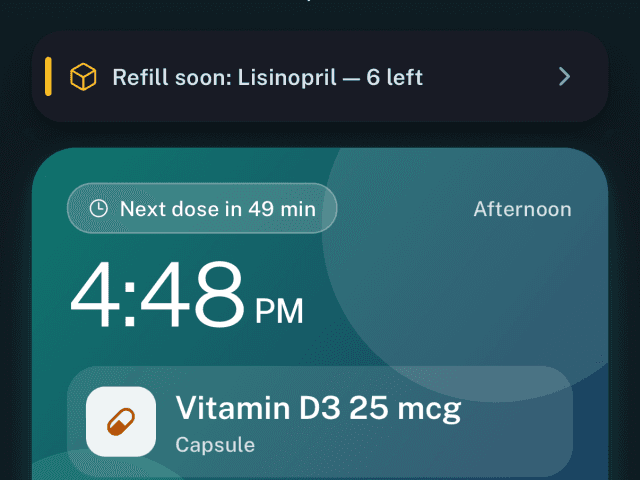
Refill reminders
Optional. Enter how many you have; Remvio counts down each time you tap Taken and tells you when it is time to refill.
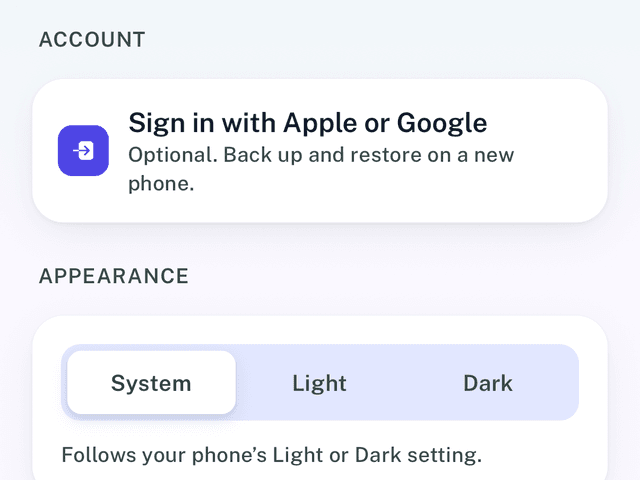
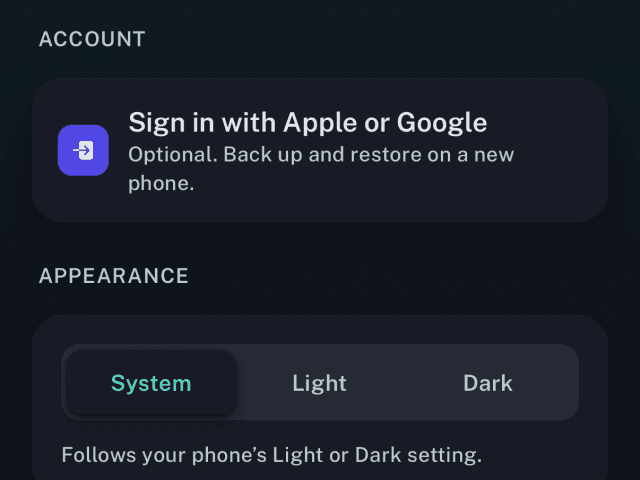
Optional backup
Sign in with Apple or Google only if you want a backup copy to restore on a new phone. Delete it, and the account, any time.
How it works
Three steps, then it runs on its own
- 1
Add a medication
Scan your prescription label or type the name, then set the times you take it.
- 2
Get your reminder
At each time you set, your phone reminds you.
- 3
Tap Taken, Snooze or Skip
Your answer goes into your history.
Please read: what Remvio is and is not
Reminders depend on your phone's notification, sound, Focus and battery settings. Delivery and audible alerts are not guaranteed. Always follow your prescription label and your clinician's guidance. Do not take an extra dose just because a reminder was late or repeated.
Remvio is a personal organization aid, not a medical device. It does not tell you what to take, how much, or when, and it never suggests making up a missed dose. If you are unsure about a dose, ask your pharmacist or prescriber.
Download
Your schedule. Your reminder.
Remvio is on the App Store and Google Play. Free to download. Questions? Read the FAQ or email support@emberdevstudios.com.